System requirements
- Windows 10/11 (64-bit)
- macOS 11+ (Apple Silicon)
- OpenGL 3.3+ compatible GPU
Free VJ software for experiments, small shows, and people just getting started.
Nothing. Free usually means a trial, a watermark, or a pro tier you hit a wall at. This is none of those — the whole app, no account, no sign-up. I built it for me, and I'm putting it back into a scene that's been sharing its work for years.
Play clips, shaders, MilkDrop presets, JavaScript scripts and live inputs. MIDI, OSC, NDI, Syphon and Spout support are built in.
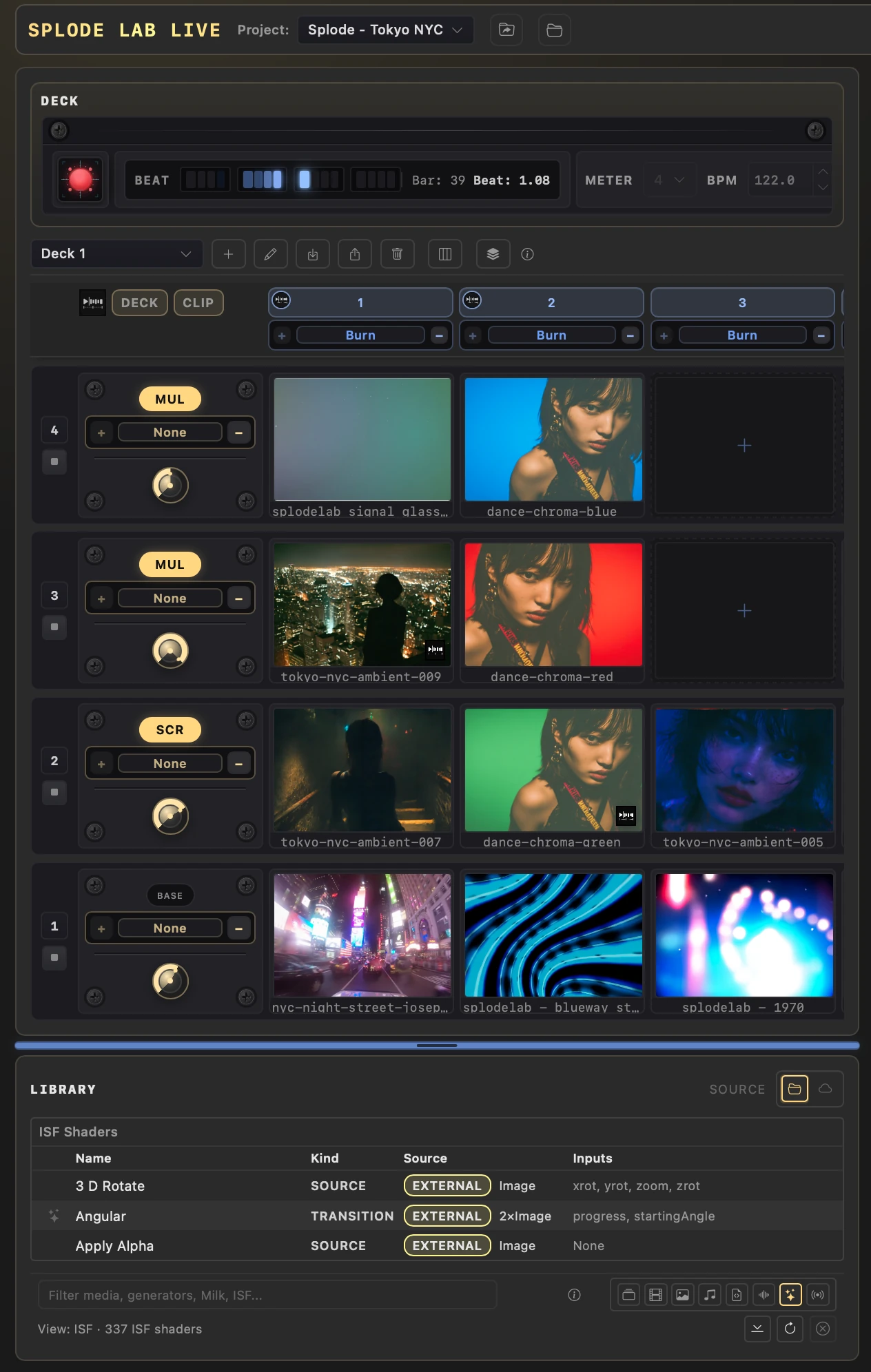
Use your collection of MilkDrop presets, then add ISF shaders for transitions and effects.
Write scripts for motion graphics, games, deck controls, and live video chopping.
Script every layer at once with text. Expressions, envelopes, shader control, and audio-reactive timing.
Drive it from other tools, controllers, scripts, or your own unusual rig.
Use MIDI for control, scripts, and clock sync.
NDI, Syphon, Spout, Blackhole, or your fishtank through a webcam. Whatever you have.
Beginners, bedroom setups, shows at home or with friends, student work, gallery installs, prototypes, and unusual visual experiments.
Splode Lab started as my own toolbox for video, audio, MIDI, and unusual creative experiments. Live brings the fun parts together: clip decks, shaders, scripts, live sources, controller support, and audio-reactive visuals.
I like trying new ideas and new technology. If there’s a feature you’d like, make it sound fun and I might take a look.
If you find the app useful and want to support it, there’s a Buy Me A Coffee link below. A simple thanks is lovely too.
Free for Windows and macOS. No account or sign-up.
I also make Splode Lab EX. It’s a separate app, not a phone version of Live. It’s for making real-time effects with a touch interface.
Draw with fire, tap explosions, and create real-time visual effects. Export video loops or share straight to social.
View on the App Store →