Install Splode Lab Live on Mac
Install Splode Lab Live on macOS 13 or later.
Do this
- 01On splodelab.com, choose Download for macOS. For an Intel Mac, use the Intel Mac preview.
- 02If Splode Lab Live is running, quit it before you update.
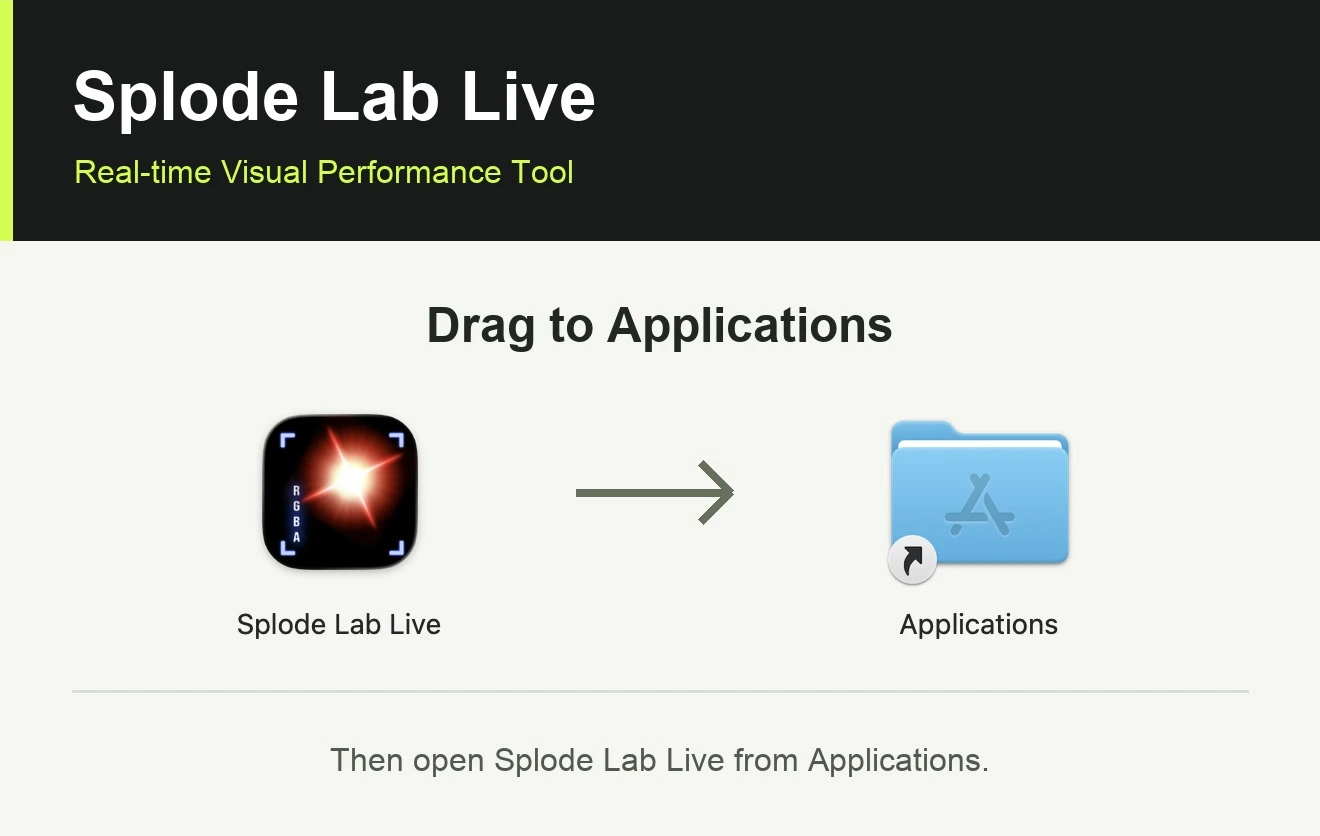
- 03Open the downloaded DMG. Drag Splode Lab Live onto Applications. If you are updating, choose Replace.
- 04Open Splode Lab Live from Applications. If macOS asks whether to open the downloaded app, choose Open.
- 05Eject the Splode Lab Live disk image in Finder.
Start with a manageable output
Output size and frame rate affect the work your Mac does for every frame.
Older Intel Macs- Start with HD and 30 fps beside External. Test FHD or 60 fps with your own deck before a show.
Video proxies- Keep proxy quality at HD while testing. Allow proxy preparation to finish before judging playback.