Add media to your project
Put your own videos, images and audio in the Library.
Why use it
Start here when you want to use your own material.
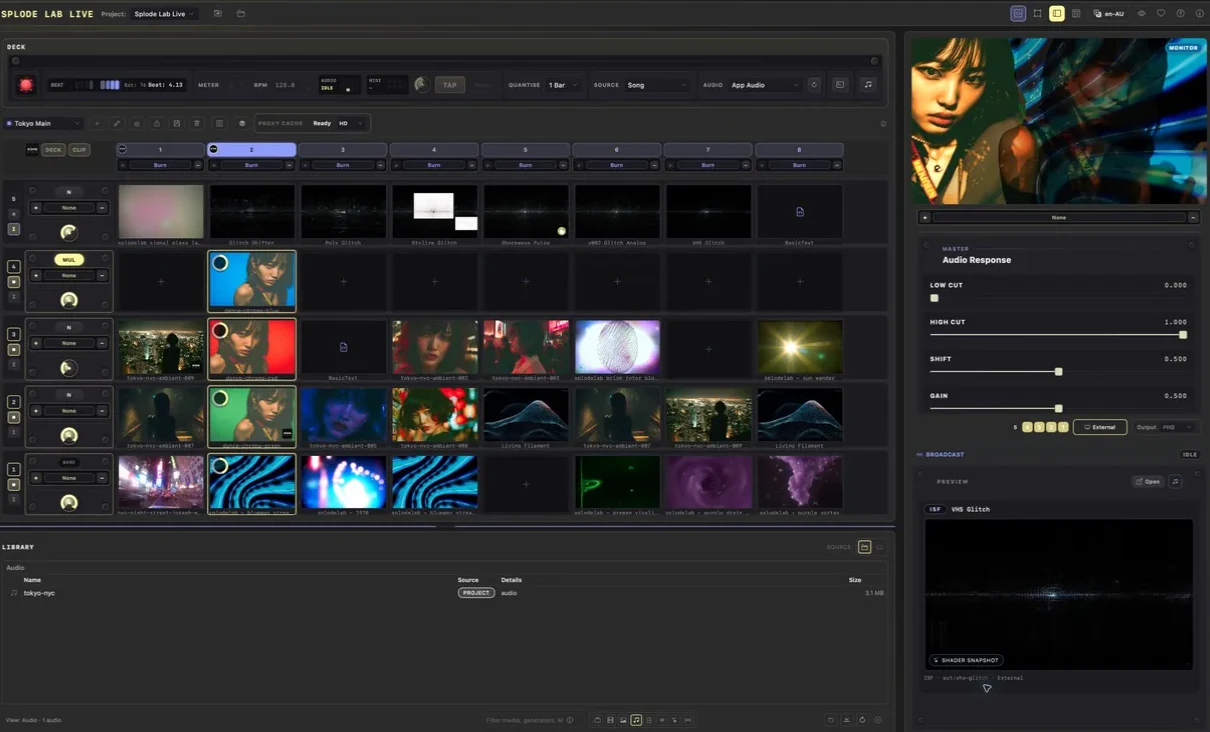
Do this
- 01Choose the folder button beside Project if you want to use a different project folder.
- 02Choose Open project folder beside the project name.
- 03Drop video clips into videos, still images into images, and music into audio.
- 04Return to Splode Lab Live and refresh the Library.