Build a few scenes
Arrange visuals into stacks so your set is ready to play.
Why use it
A small, deliberate deck is quicker to perform than a huge Library.
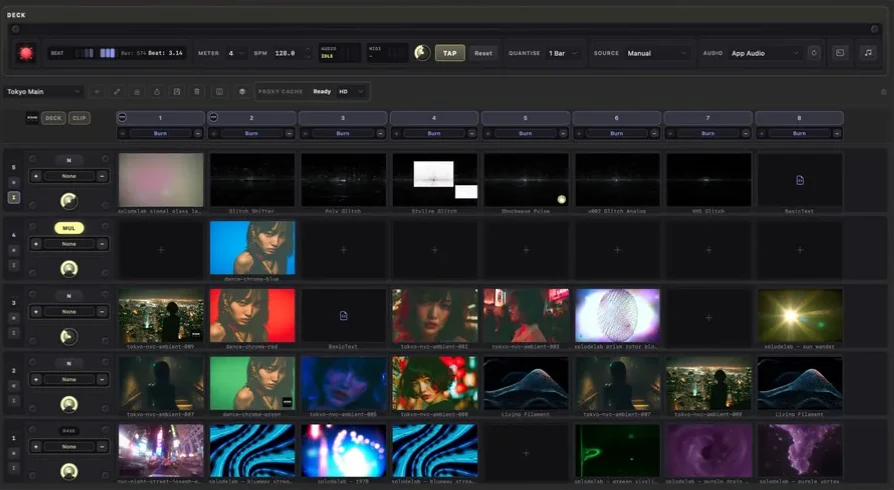
Do this
- 01Open the deck actions menu (•••) beside the deck name and choose New, or start with the deck already open.
- 02In the same menu, choose Add column for another stack or Add layer when you want to stack another visual.
- 03Drag Library items into the cells you want to use.
- 04Open the deck actions menu and choose Save when the deck feels ready.