Change the whole scene
Fire a stack to change every included layer in one move.
Why use it
Use stacks for the changes you want to make confidently during a show.
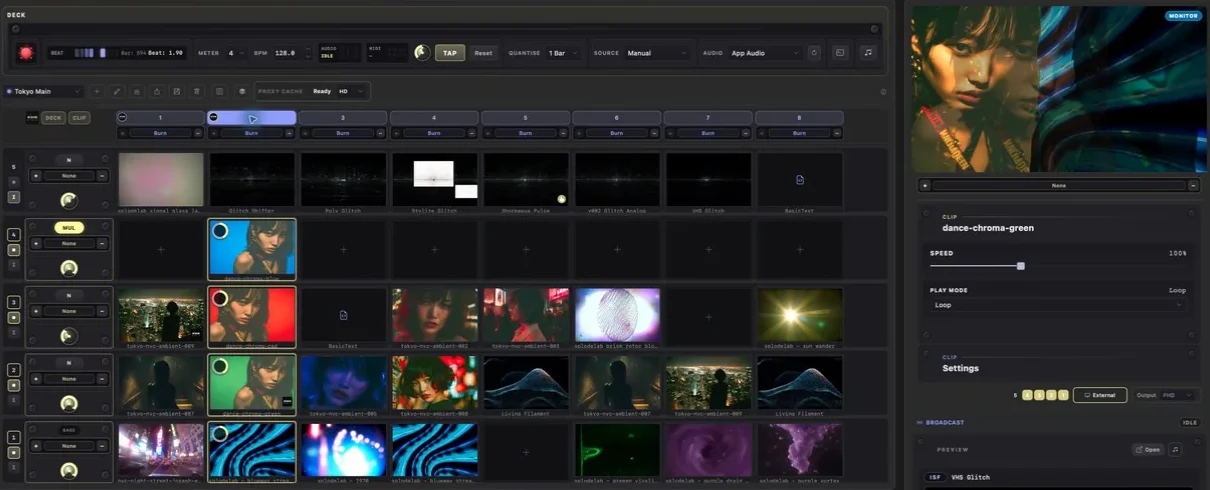
Do this
- 01Choose a Quantise value. One Bar is a comfortable place to start.
- 02Click a stack number above the deck.
- 03The included layers change together on the next timing point.
- 04Click an individual cell whenever you only want to change one layer.