Connect live video
Send or receive live video with NDI, Syphon or Spout.
Why use it
Route pictures between apps on one computer or across your network.
Do this
- 01Use Syphon on macOS or Spout on Windows for apps on the same computer. Use NDI when the signal needs to travel across your network.
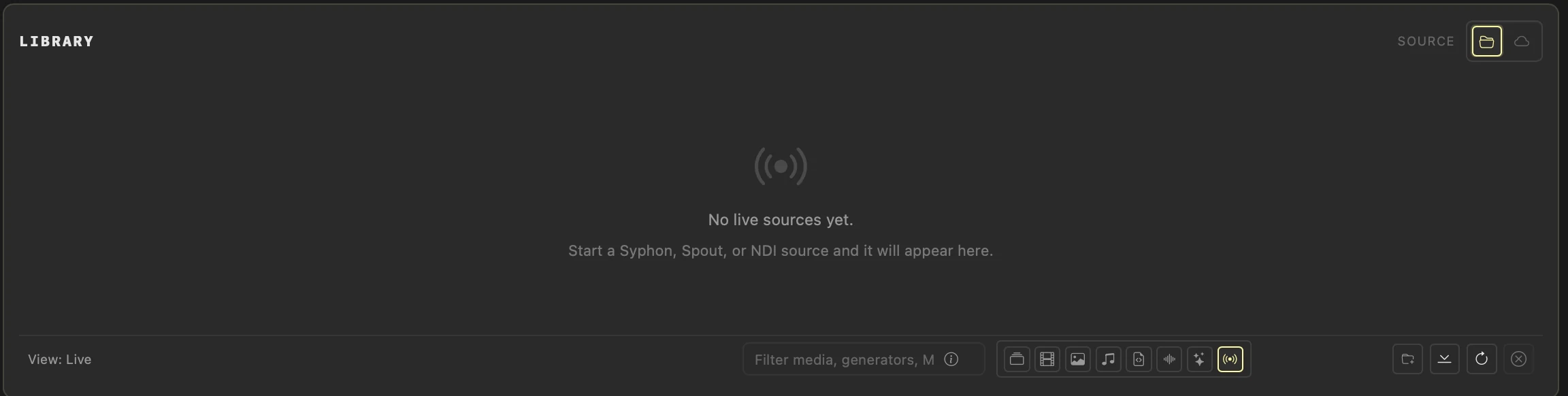
- 02To receive live video, start the source, open Live in the Library and refresh. Drag it into a deck slot and trigger it like any other clip.
- 03For an Instagram Reel, use the phone button beside External to switch to Portrait, choose FHD, then set the receiving OBS canvas and output to 1080×1920.
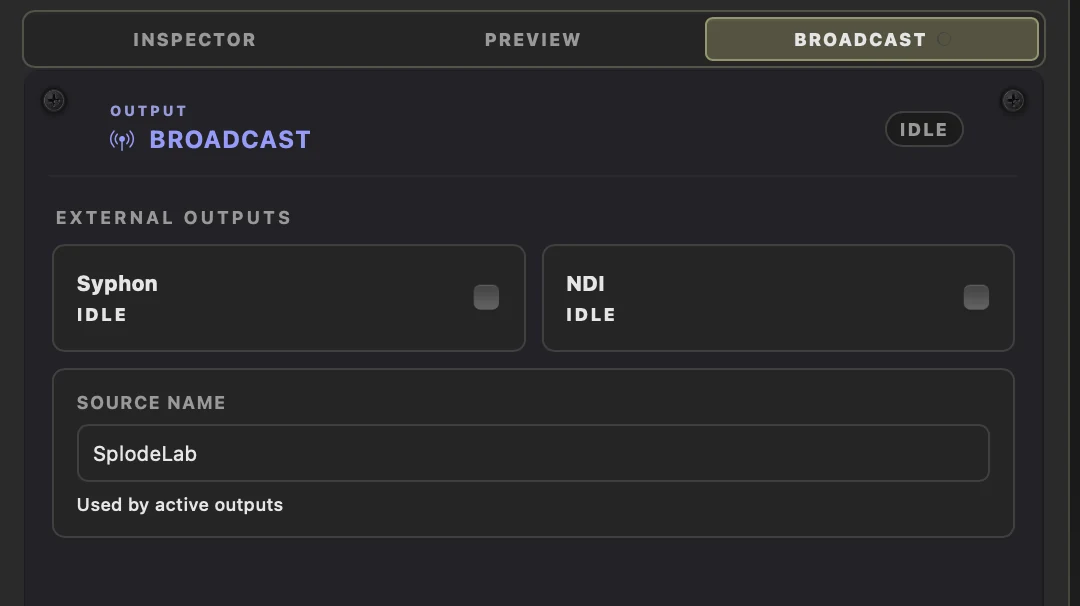
- 04Open Broadcast, enable Syphon, Spout or NDI, select that source in OBS, and record at 30 or 60 FPS.
- 05Use the safe-area guide while composing and confirm it is absent from the OBS picture. Before publishing, turn on Upload at highest quality in Instagram's Media quality settings.