Put visuals on another screen
Open a clean output for a projector, display or capture setup.
Why use it
The deck stays on your screen while the audience only sees the result.
Do this
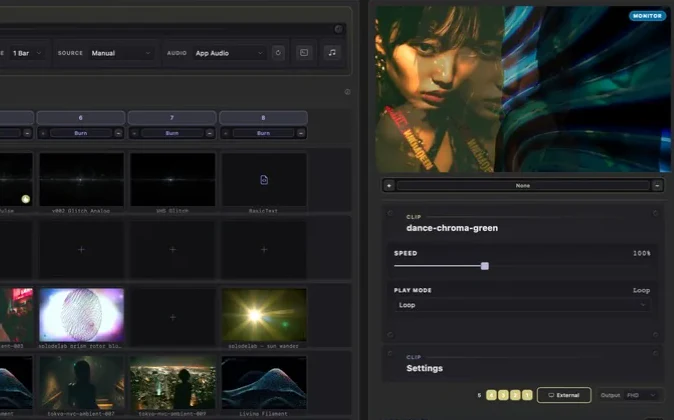
- 01Get a look playing in the Monitor.
- 02Choose External below the Monitor.
- 03Move the output window to the display you want to use.
- 04Use Broadcast instead when your setup needs NDI, Syphon or Spout.