Control with OSC
Trigger stacks, clips and controls from another app or device.
Why use it
Bring Splode Lab Live into an existing control setup.
Do this
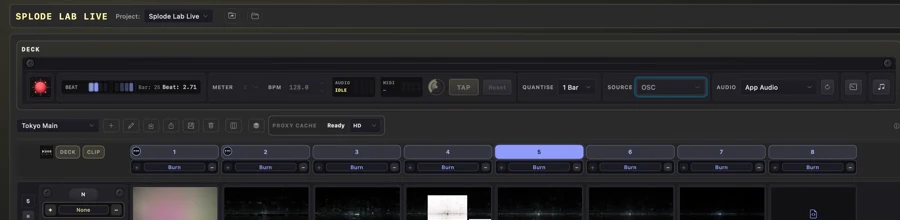
- 01Open Live Links from the deck controls if you want a sample companion setup.
- 02Set your OSC sender to UDP port 9000 on the computer running Splode Lab Live.
- 03Send a supported address such as /splodelab/command/triggerColumn.
- 04Add the stack number after the address. Splode Lab stack numbers start at 1.