Find free stock footage with Pexels
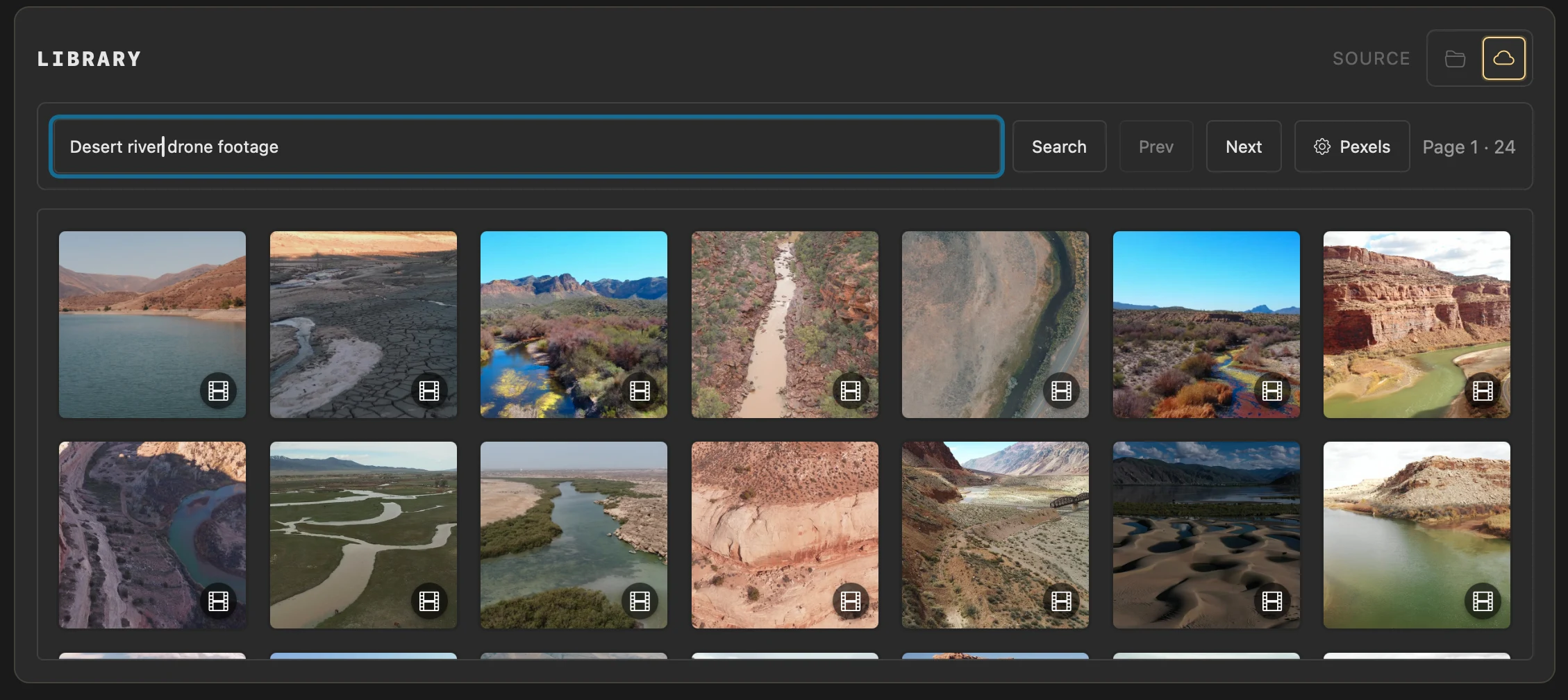
Search Pexels inside Library and download footage straight into your project.
Why use it
Build a VJ set quickly without leaving Splode Lab to hunt for and move files by hand.
Do this
- 01Create a free Pexels account and request an API key.
- 02In Library, choose the cloud Source, open Pexels, paste your key and choose Save Key.
- 03Search for the kind of footage you need. Select a result to preview it and see its creator credit.
- 04Choose Download in Preview. Splode Lab saves the MP4 in the current project's videos folder and adds it to the project Library.
- 05Drag the downloaded clip into your deck. Use the Pexels button in Preview to return to its original page.
