Plan a deck with a song
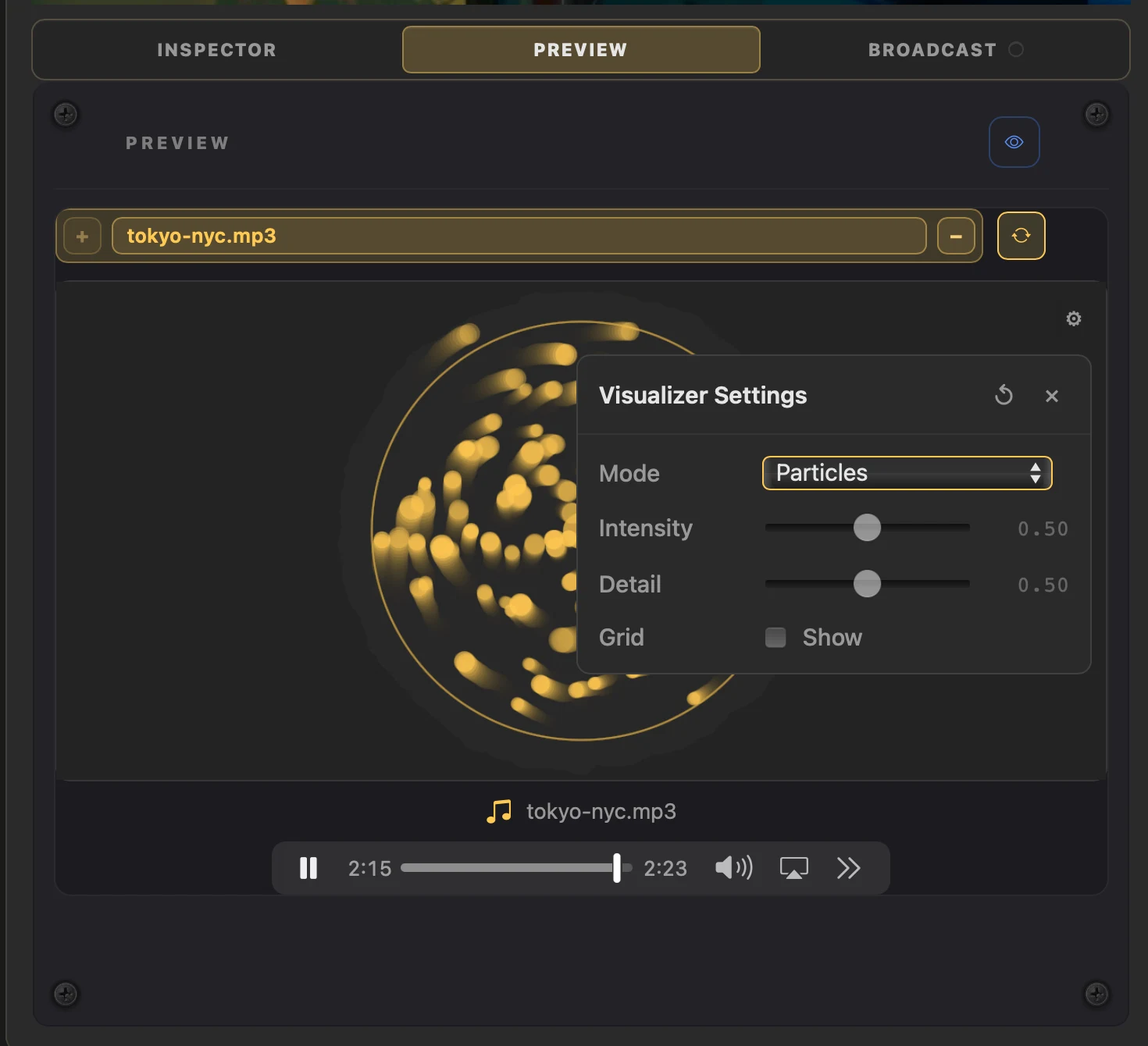
Load a track into the built-in player to plan a deck or work up a short social-media sequence.
Why use it
Play, scrub and repeat without setting up external audio software just to experiment.
Do this
- 01In the Library, show Audio and select the track you want. Open Preview and choose + to load it into the selected deck.
- 02Use the player to play, pause, scrub or repeat the track while you try clips and stacks.
- 03Choose the visualiser gear for Scope, Bars, Particles or Synth Wave. Adjust Intensity, Detail and Grid to match the mood.
- 04Choose Clock > Song when you want the track timeline to drive Quantise.
- 05Play from any point and refine the deck or rehearse a short sequence.