Record takes into your deck
Capture the live composition as movie clips you can play back in the same deck.
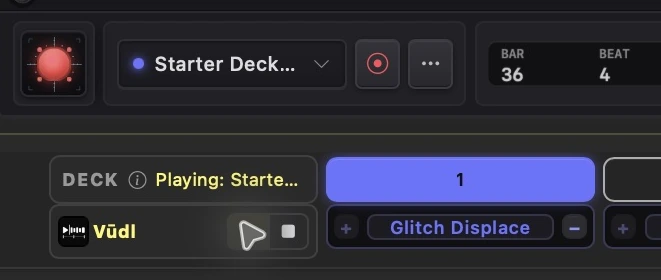
Do this
- 01Open an editable deck in Edit Layout and get a look playing. Choose Make a copy first if you are using an included deck.
- 02Click the round Record button beside the deck menu. Recording starts at the next Quantise boundary and uses an empty top layer or adds a new one above your show.
- 03Play clips, stacks and effects as usual. Choose Next take when you want to start a new movie at the next boundary.
- 04Choose Stop to finish the last take on the beat. Play the saved movies from successive cells in the recording layer.
Where takes go
Takes are video-only MP4s in the project’s videos/Captures folder.
Recording layer- The layer ignores stack triggers. Play its takes directly from their cells.
Cancel- Use Cancel to disarm a take while it is waiting to start.