Route another app’s audio with Wave Link
Send music from Mixxx or another app to Splode Lab Live, even if you’re listening on headphones.
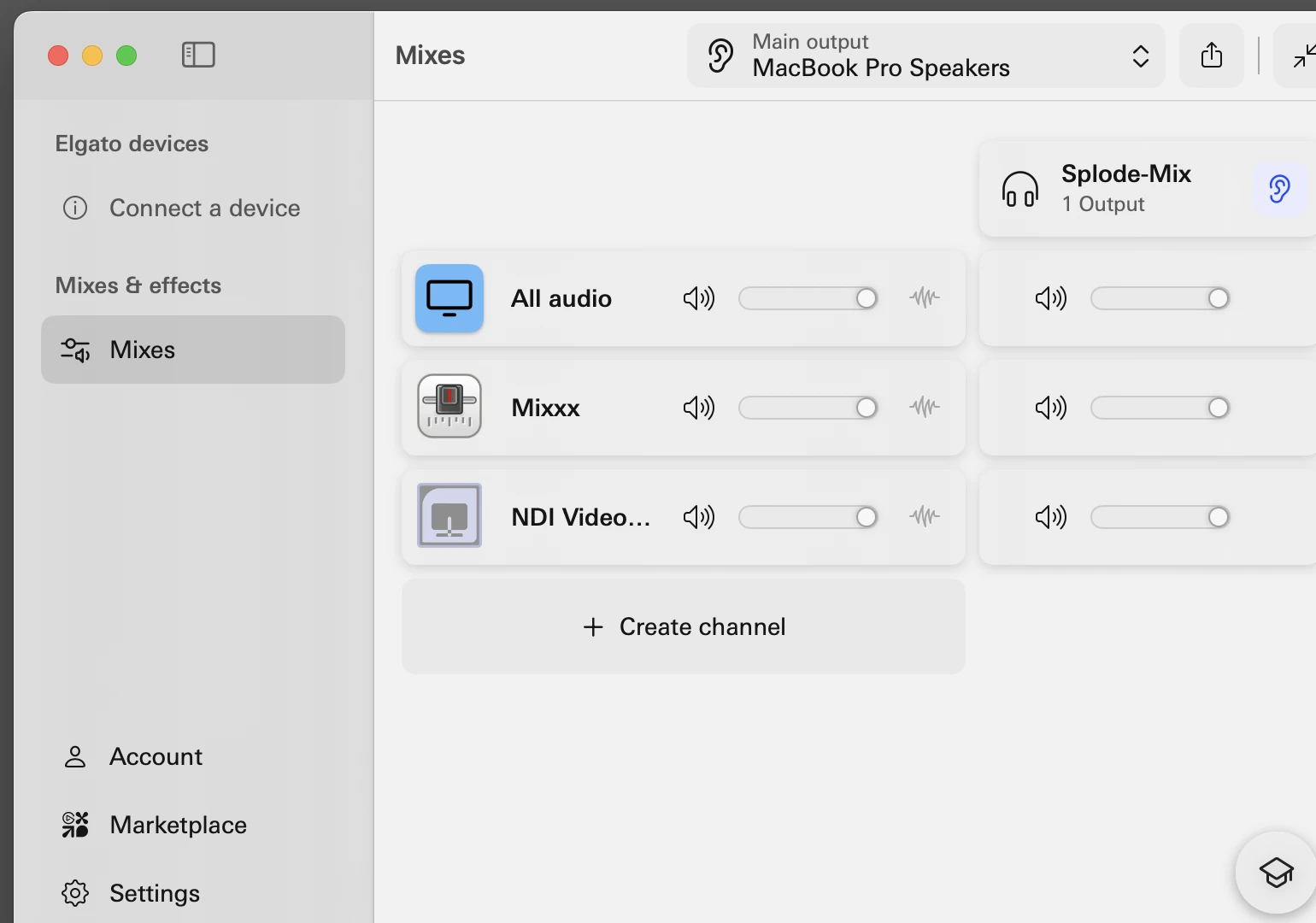
Do this
- 01Install Wave Link 3 and its audio driver. Wave Link 3 requires macOS 15 or later or Windows 11. On Mac, grant Wave Link the audio permissions it requests.
- 02In Wave Link, open Mixes. Choose + to create a mix called Splode-Mix. Use Create channel to add your music app (for example, Mixxx), then add that channel to the Splode-Mix column. Check that the channel is not muted.
- 03In Splode Lab Live, open Audio and choose the input ending in Splode-Mix. Use the circular refresh button if it is missing.
- 04Start playback and check that the AUDIO meter moves in Splode Lab Live.