Connect an audio source
Choose what Splode Lab listens to, from App Audio to a dedicated Wave Link mix.
Why use it
Use a dedicated mix when the visuals should hear several apps through one controllable input.
Do this
- 01Open Audio in the deck controls. Choose App Audio, or select a detected input.
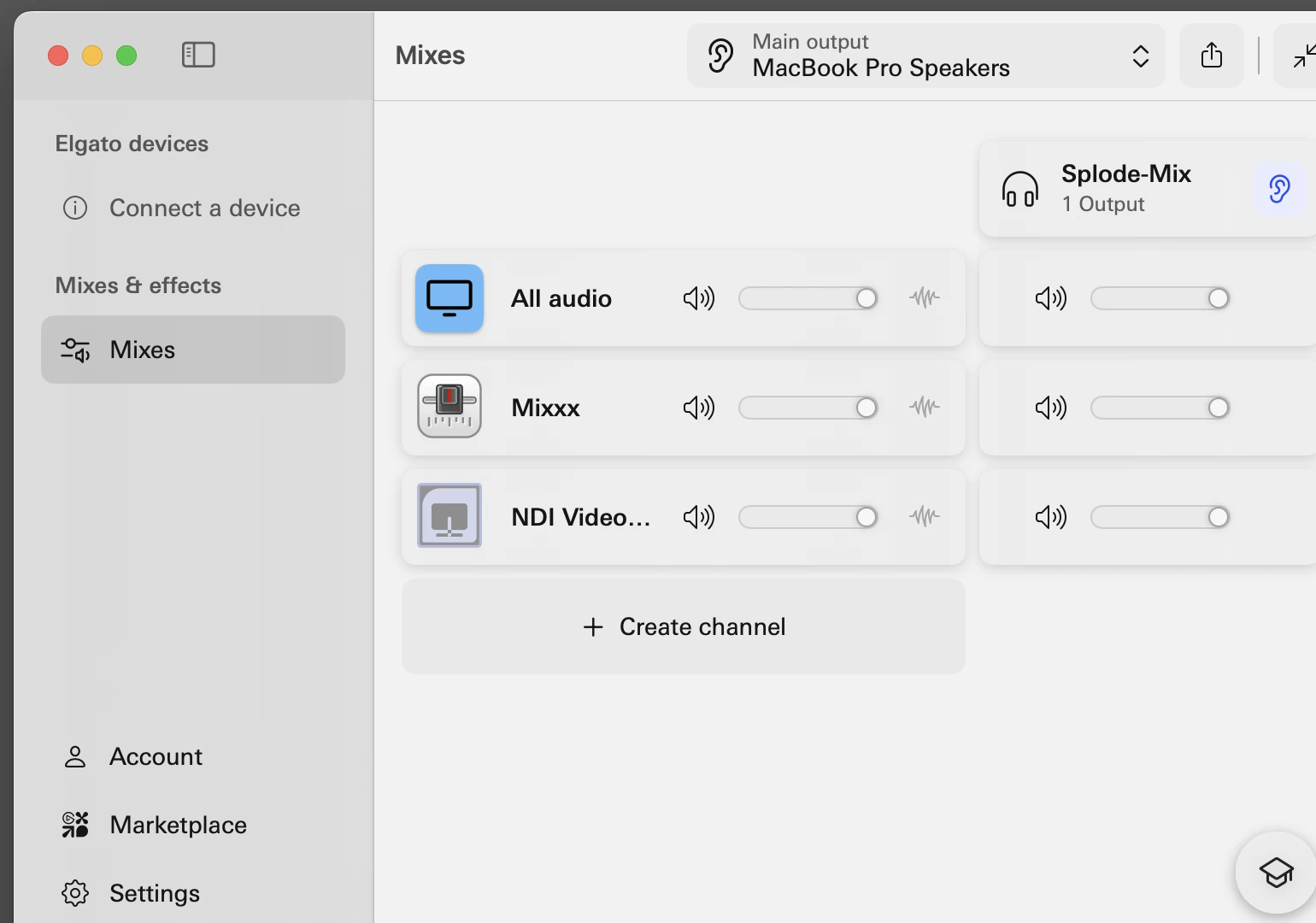
- 02For a dedicated mix, install Wave Link and create one called Splode-Mix.
- 03Add Mixxx, system audio and any other sources to that mix. Only turn on what the visuals should hear.
- 04Return to Audio and choose Splode-Mix. Use refresh if it is missing.