Keep visuals on the live beat
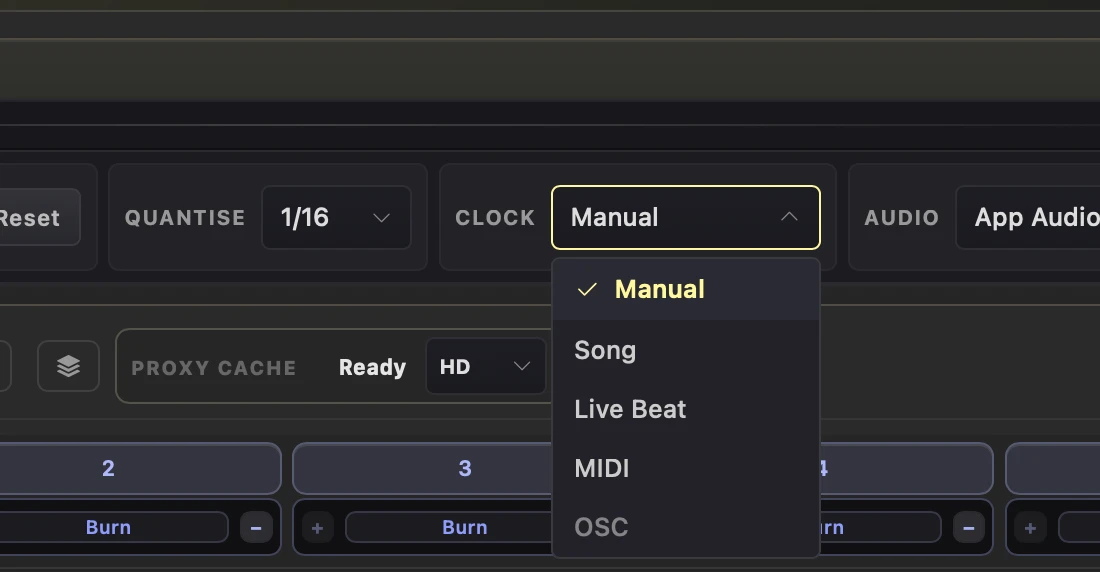
Use Live Beat to find the tempo of the audio coming in and keep the deck clock in time.
Why use it
Use this when the music is not a track loaded in Splode Lab Live.
Do this
- 01Choose the live input or App Audio under Audio.
- 02Open Clock and choose Live Beat.
- 03Set Meter to match the music.
- 04Wait for the ear indicator to lock, then launch clips with your chosen Quantise value.