Use more than one MIDI controller
Combine your controllers into one Splode Lab MIDI input without their controls colliding.
Why use it
Keep several controllers ready for the same performance without setting up separate MIDI routing software.
Do this
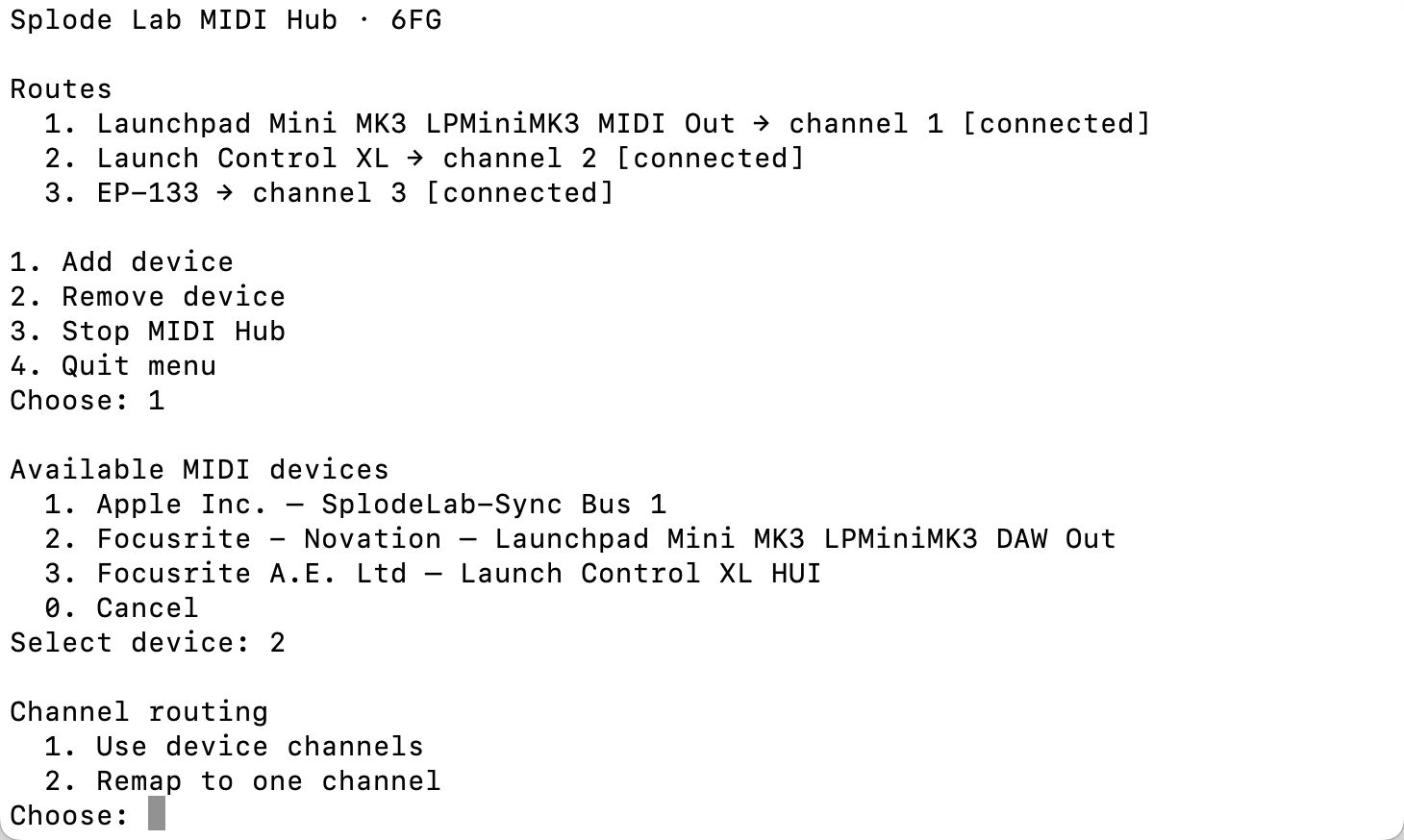
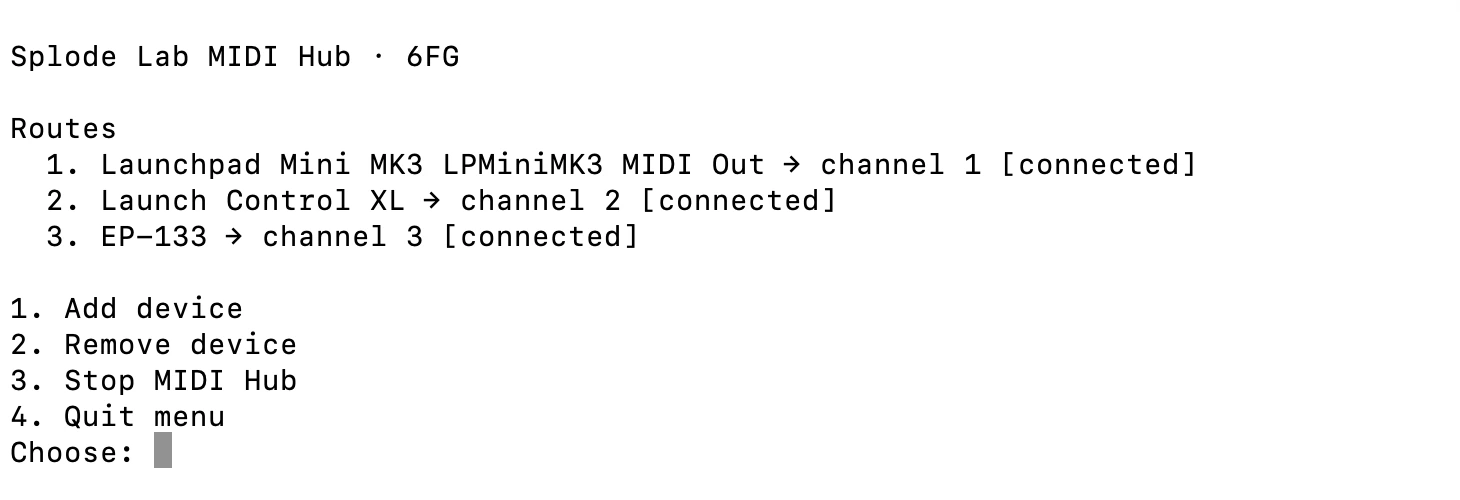
- 01Open MIDI Hub from the music-note button in the control strip, then choose Add device for each controller.
- 02For a controller that uses one channel, choose Remap to one channel. Give each of these controllers a different channel.
- 03For an APC40 or another multichannel controller, choose Use device channels. The APC40 uses channels 1–8, so put additional single-channel controllers on free channels such as 9 onward.
- 04Close the MIDI Hub menu, open MIDI Mapper from the sliders button, then choose SplodeLabMidiHub as the Input.
- 05Apply each single-channel controller preset on its matching Hub channel. A multichannel preset keeps its native channels; learn any remaining controls normally.