Map a MIDI controller
Play clips, stacks and layer controls from your MIDI hardware.
Why use it
Keep your hands on the controller while you perform.
Do this
- 01Connect your controller. To combine several controllers, set them up in MIDI Hub first.
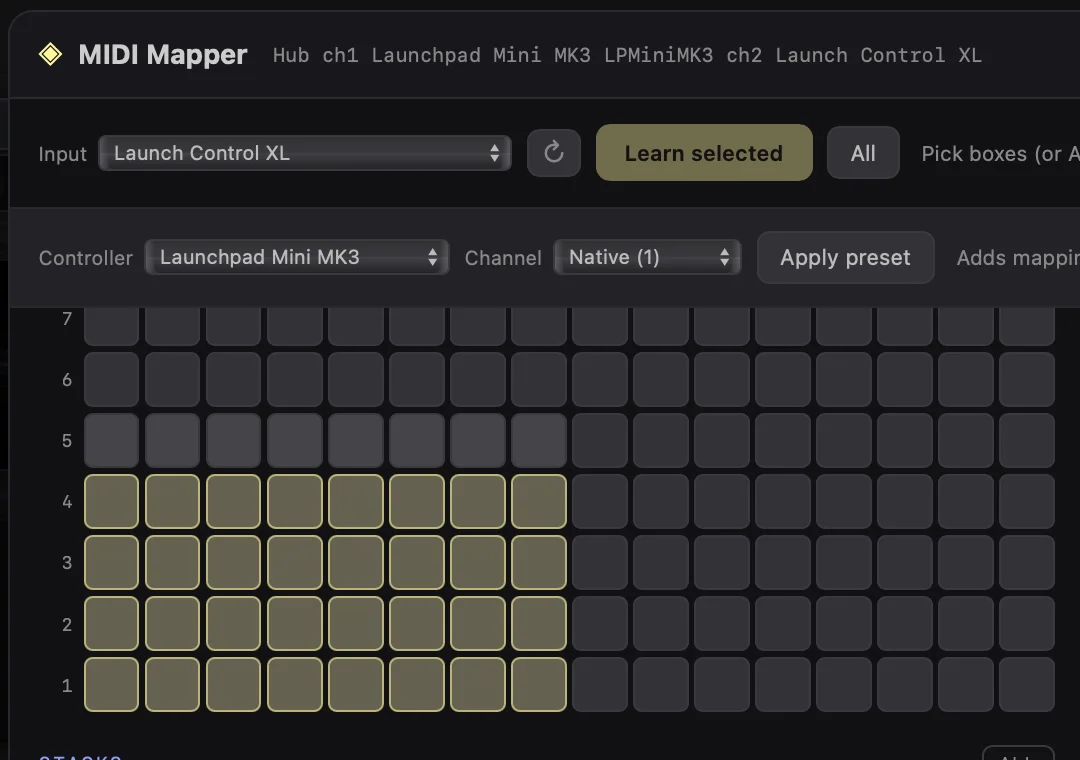
- 02Open MIDI Mapper from the sliders button in the top toolbar, then choose the Input.
- 03If your controller has a preset, choose it under Controller and select Apply preset.
- 04For your own mapping, select the controls you want, choose Learn selected, then move or press each MIDI control when prompted.